Resume Editor Kit
Make your Resume ATS/recruiter friendly and increase your chance of getting shortlisted
Inputs
Image
Boxes
Think Box
Outputs
File · Markdown · Text
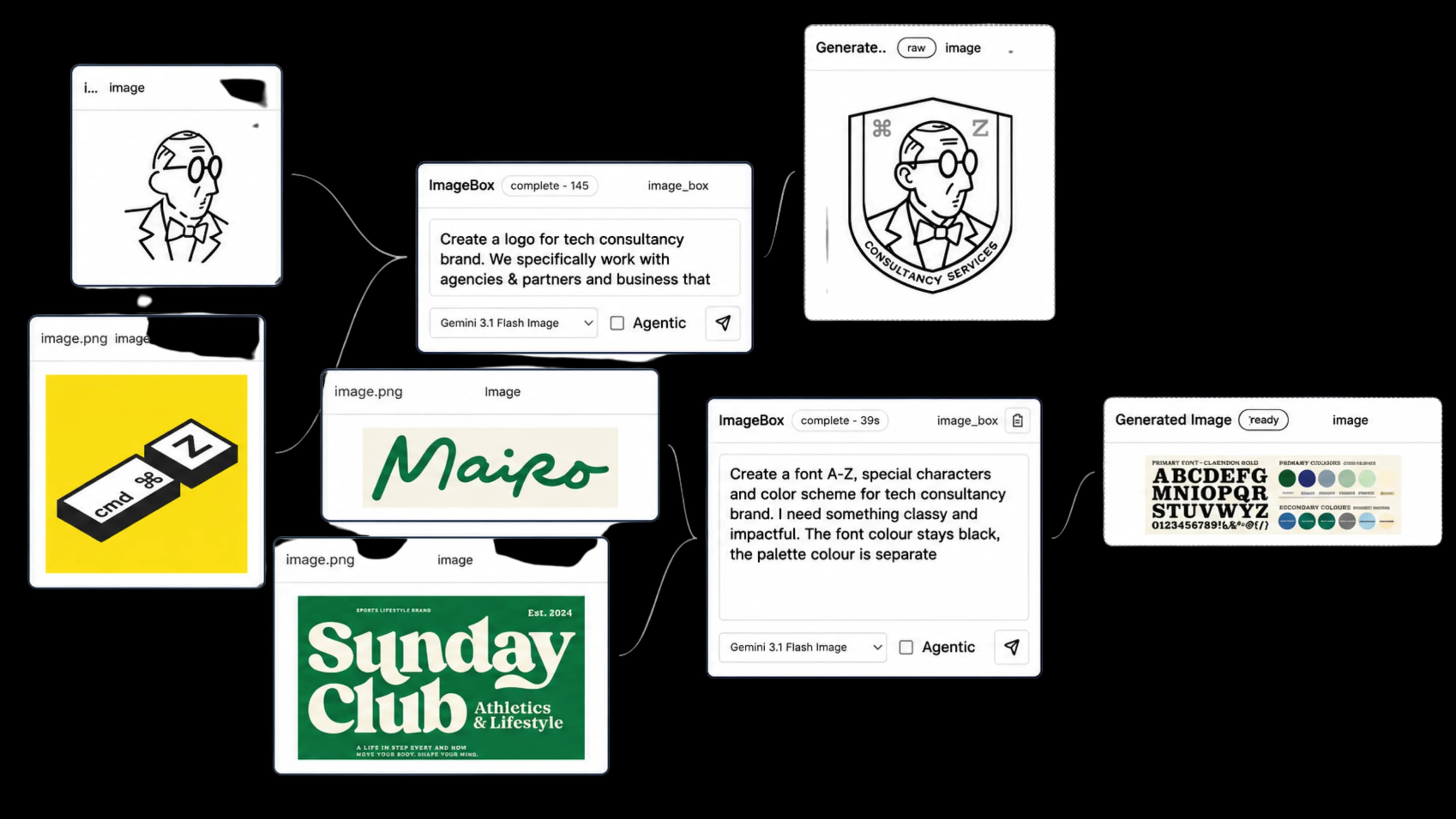
Start with a goal, file, URL, or rough idea. Connect specialized agents to research, plan, write, design, analyze spreadsheets, build presentations, and deliver finished outputs on one reusable canvas.
Make your Resume ATS/recruiter friendly and increase your chance of getting shortlisted
Image
Think Box
File · Markdown · Text
Transforms a YouTube video, article, or pasted idea into publishable content.
Youtube
Think Box
Text
Connect files, URLs, instructions, and prior outputs to the Box responsible for the next result. The graph remains reusable, editable, and shareable after the first run.
Sources and outputs remain connected on the canvas.
Context is buried in a scrolling conversation.
Copy, adapt, and rerun a complete process.
Rebuild the process from prompts and memory.
Text, images, audio, video, and files live together.
Outputs are isolated attachments and responses.
Share a viewable graph with editors or viewers.
Share a transcript without the working structure.
20 minutes, 1 GB, one canvas, one project, and one skill.
Start free30 minutes, 1 GB, unlimited workspaces, and 3 parallel runs.
Choose Starter2 hours, 5 GB, unlimited workspaces, and 3 parallel runs.
Choose Creator6 hours, 20 GB, unlimited workspaces, and 3 parallel runs.
Choose ProNeed a temporary boost? Existing time and storage top-ups remain available independently. Gemini usage is charged to your BYOK key; Canvas time covers execution, orchestration, workers, and media tooling.
Your key is encrypted with AES-256-GCM and used only for your executions. MCPX Canvas is an independent project and is not affiliated with Google.
Yes. Each account adds its own Gemini API key in Settings. There is no shared platform key or hidden model markup.
The canvas works in modern desktop and mobile browsers. Larger graph editing and media workflows are most efficient on a desktop.
Free storage remains included. Purchased storage is active for its stated period, and the app warns you before expired capacity is removed.
Files are kept in isolated per-user storage and are served through authorized Canvas APIs. You can delete nodes, canvases, projects, skills, and their unreferenced files.
Razorpay handles INR and USD checkout. Payment status, credit amount, and expiry are visible in Purchase history.
Use the shared workflow and project settings to keep the context needed for support. Account and billing issues can be reported through the MCPX support contact.
Explore it before signing in, then copy it into a private canvas.